Stage 01
Sketcher: constraint baseline
Fully constrained profiles in 12 steps, with a dimension check after each pass.
Read the recordLab report 04 / parametric CAD
A recorded run through Sketcher and PartDesign on one bracket: 18 constraints, four rebuild passes, two export formats. Every number below came from a control measurement, not from a tutorial screenshot.
The part was rebuilt six times from an empty document. Each stage below is a separate record with its own measurements, so you can repeat the sequence on your own geometry.
Stage 01
Fully constrained profiles in 12 steps, with a dimension check after each pass.
Read the recordStage 02
Pad, pocket and fillet sequence logged with wall thickness measured at each step.
Read the recordStage 03
Drive every dimension from one table; the rig shows 6 of 6 values updating.
Read the recordStage 04
Projection views, sections and tolerances placed on an A3 sheet in under 9 minutes.
Read the recordStage 05
Mesh deviation set to 0.05 mm; STEP re-imported to confirm solid integrity.
Read the recordStage 06
Six finished parts with measured mass, print time and material cost per unit.
Read the recordThe hypothesis was simple: a single bracket, fully driven by a spreadsheet, should rebuild without errors after any dimension change. The control run used a hand-typed sketch with no named constraints. The test run replaced every driving dimension with a cell reference and repeated the same four edits — hole diameter, plate thickness, corner radius and bolt spacing.
Observations from the control run: two of four edits produced broken geometry, because the solver had freedom left in the profile. The test run finished four of four edits with a clean recompute, average rebuild 0.4 seconds. The difference is not the software version — it is the constraint count and the naming discipline. A profile with leftover degrees of freedom will drift as soon as a neighbour dimension moves.
The full sequence is documented in the parametric modeling notes, and the background on the test rig is on the author page. If you want the raw numbers behind material and print cost, they are in the cost reference.
I work alone, without a studio markup. The price is agreed before the first sketch, and it does not change if the model needs a rebuild. No prepayment.
| Scope | What is included | Price | Turnaround |
|---|---|---|---|
| Sketch audit | Constraint check, degrees-of-freedom report, rebuild test | $45 | 1 day |
| PartDesign model | Single body, pads, pockets, fillets, wall thickness verified | $90 | 2 days |
| Spreadsheet setup | Named variables, alias table, linked dimensions, test edit | $60 | 1–2 days |
| TechDraw sheet | A3 layout, three views, one section, dimensions and tolerances | $75 | 2 days |
| Export package | STL with set deviation plus STEP, re-import check on both | $35 | Same day |
| Remote session | Screen share, your model, walked through step by step | $40 / h | By booking |
Full breakdown with material rates and print-hour estimates: material cost reference.
Each part below went through the same six stages. Captions carry the numbers that matter: constraint count, measured tolerance and the material actually used.
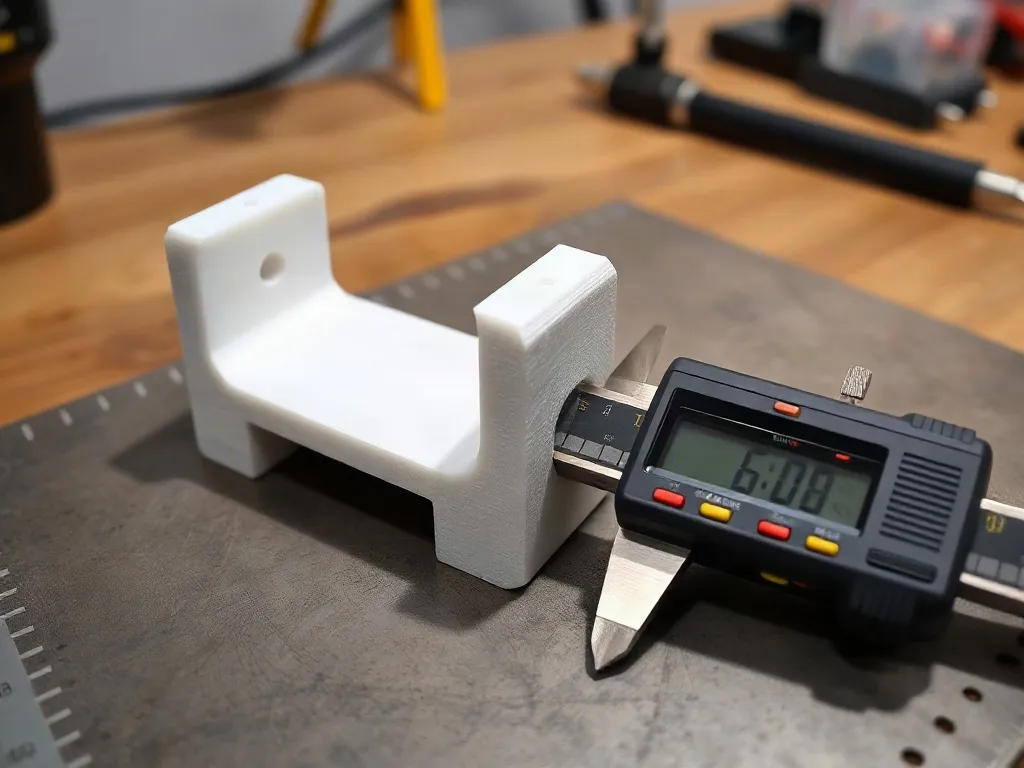
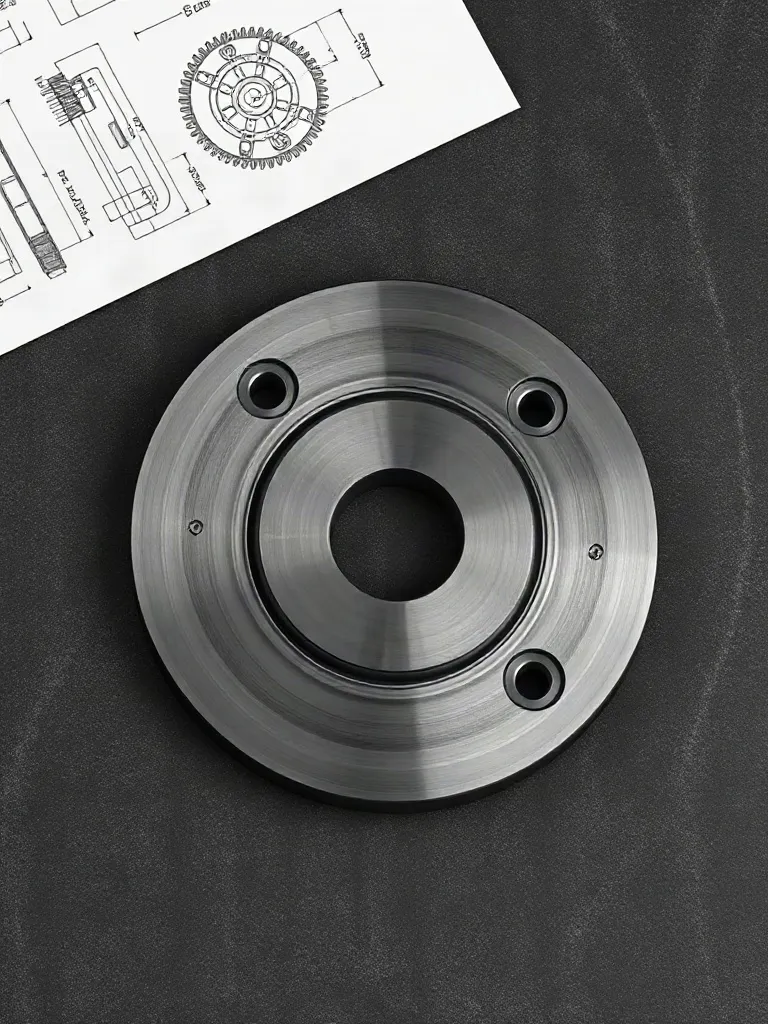
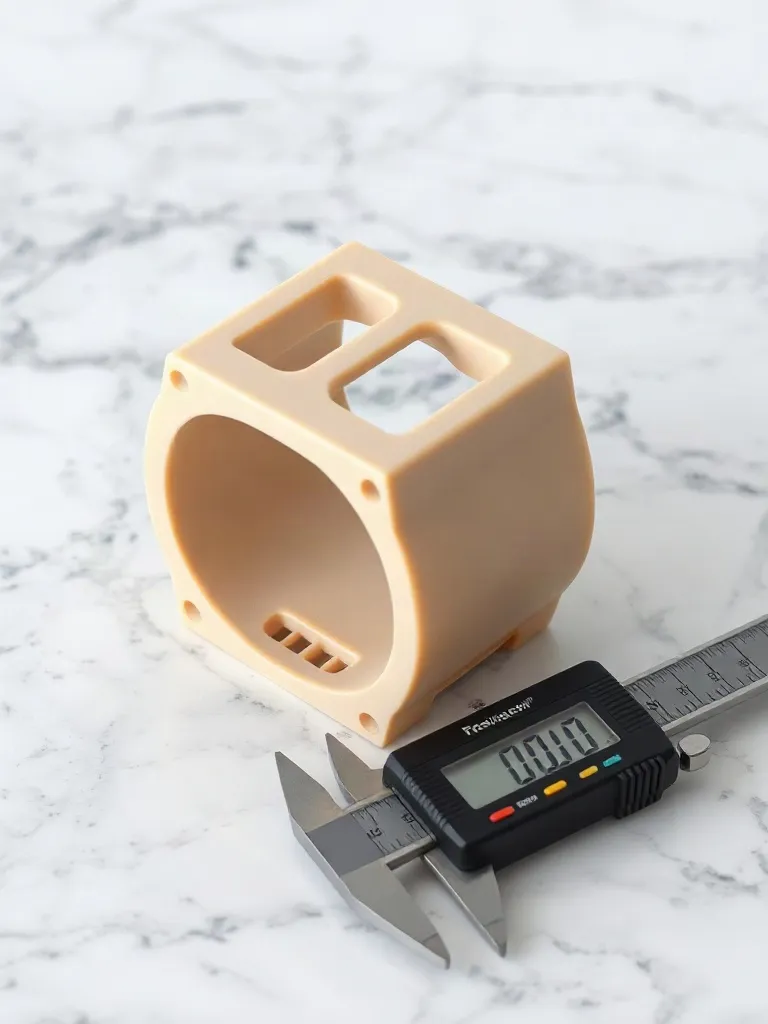
More finished models with print times and cost per unit are in the works gallery.
Three clients who sent a broken model and got back a file that rebuilds. Quotes are unedited.
“Our bracket sketch had 9 degrees of freedom left. After the audit it had zero, and the rebuild stopped failing on every second edit.”
“The spreadsheet table replaced 14 hand-typed dimensions. Changing the plate thickness now takes one cell and four seconds.”
“STL and STEP arrived the same day. The print shop accepted the STEP without a single question about wall thickness.”
Full set of quotes and project context: user reviews.
Send a screenshot of your sketch and the degrees-of-freedom count. I will tell you what breaks first after a dimension change, and whether the model is worth rebuilding from a spreadsheet.
Direct line: +1-206-682-4917